描述
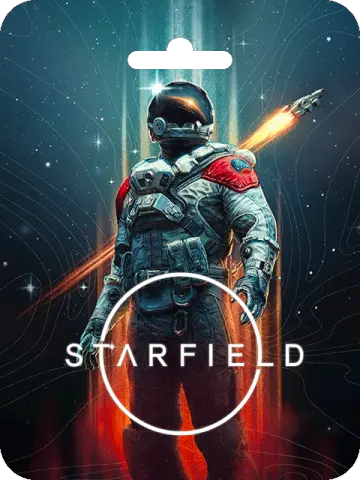
About Starfield (Global)
Starfield is the first new universe in over 25 years from Bethesda Game Studios, the award-winning creators of The Elder Scrolls V: Skyrim and Fallout 4. In this next generation role-playing game set amongst the stars, create any character you want and explore with unparalleled freedom as you embark on an epic journey to answer humanity’s greatest mystery.
How to redeem Starfield (Global) on Steam?
- Launch the Steam client software and log into your Steam account.
- Click the Games menu option at the top of the Steam client.
- Choose ‘Activate a Product on Steam’. A Product Activation window should pop up on screen.
- Read the ‘Steam subscriber agreement’ in its entirety and you must agree with the terms to continue.
- Click ‘I agree’. Next, Enter the product code you wish to add to your Steam library and God of War will be added to your Steam account.
How to redeem Starfield (Global) on Xbox?
- Login to your Xbox account
- Click on your Avatar in the top right and click redeem code
- Click “Redeem” in the middle of the page
- Enter your code and click “Redeem”
- Confirm redemption by clicking “Confirm”
- Click “Close” after a successful redemption


评价
目前还没有评价